
If you run a monthly giving program, knowing how much money is coming in is only part of the job. You also need to see each donor's schedule, what has been paid, what is due next, and which payments have failed. Bloomerang, the donor management and fundraising platform for nonprofits, can do most of this. How much depends on which Bloomerang product you use and how your payments are processed.
This guide explains how recurring gifts are recorded, where to find them, how failures show up, and how to report on and forecast recurring revenue. It covers Bloomerang CRM and notes where Bloomerang Fundraising (the former Qgiv) works differently.
Quick answer
Yes. Bloomerang tracks a recurring gift as a recurring donation schedule (the list of installments) and links each individual payment to it. Staff can view both on the donor's timeline, record or process payments, change or end the schedule, and report on recurring gifts. Projected revenue reports show scheduled installments, and failed payments can be identified and followed up. The details differ between Bloomerang CRM and Bloomerang Fundraising, and between card and EFT payments, so check which applies to you.
How does Bloomerang track recurring donations?
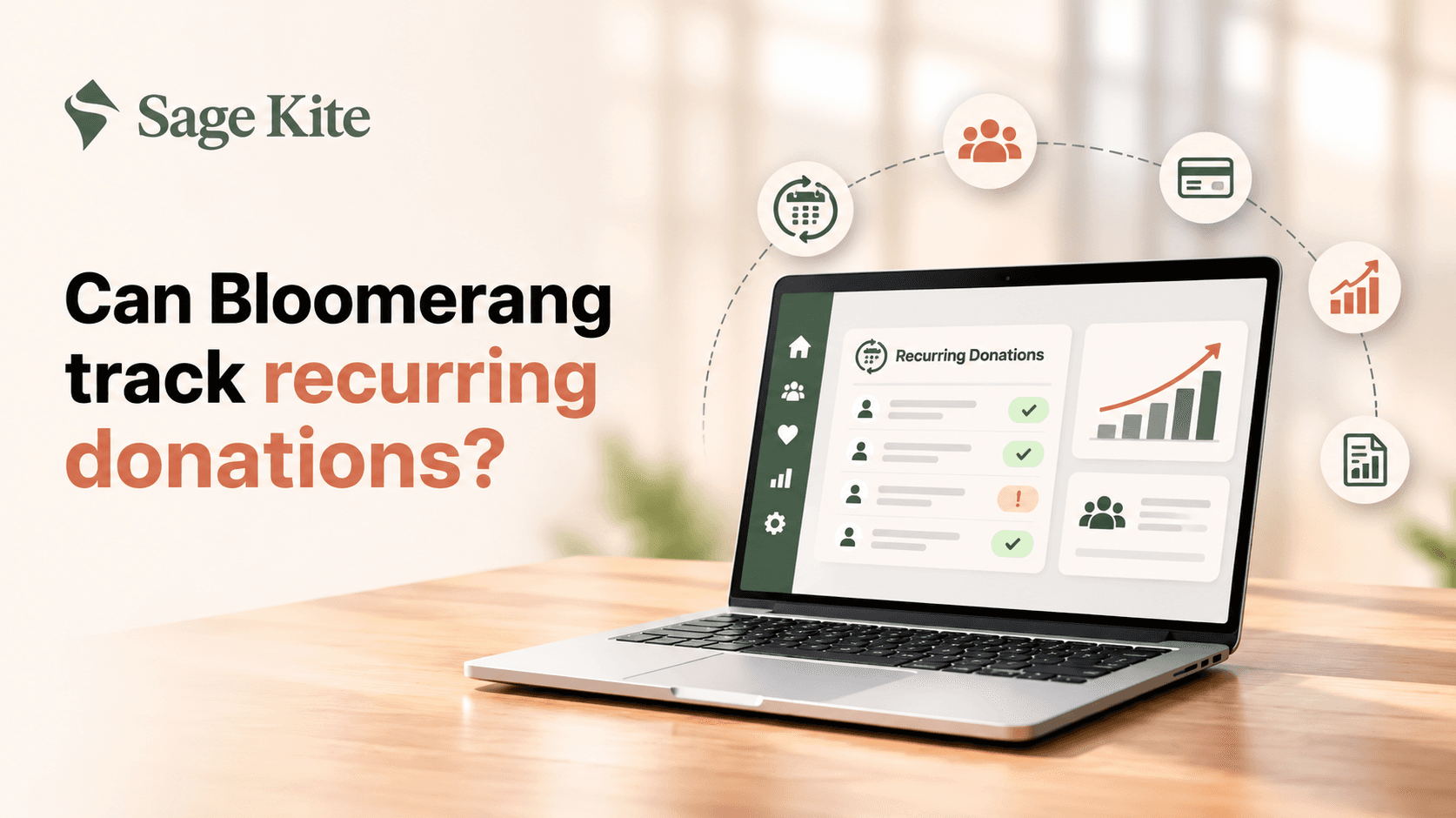
When you create a recurring donation in Bloomerang, a recurring donation schedule is created with it. The schedule is the list of installments. On the constituent's timeline, the schedule appears with a gift box icon and is labelled Recurring Donation Schedule. Each payment made toward it is labelled Recurring Donation Payment, and timeline entries show the date, the installment amount and the fund.
Recurring gifts can start in two ways: a donor gives through your online giving form, or staff create the recurring donation in Bloomerang CRM. Payments process automatically when the method is a card, EFT account or digital wallet. If a donor pays by cash or check, staff must enter each payment manually.
Example: a $50 monthly donor. A donor agrees to give $50 on the 5th of each month. You record one schedule, and each month a payment is linked to it. The table below is an illustration of the relationship, not a screenshot of Bloomerang's fields.
| Record | Frequency | Amount | What it represents | Notes |
|---|---|---|---|---|
| Recurring donation schedule | Monthly | $50 | The overall arrangement | One per recurring gift |
| Recurring donation payment | $50 | January installment | Linked to the schedule | |
| Recurring donation payment | $50 | February installment | Linked to the schedule | |
| Next scheduled payment | $50 | March installment | Due, not yet paid |
The schedule is the plan. Payments are what count as revenue.
What is the difference between a recurring donation schedule and a recurring donation payment?
The schedule is the arrangement: how often the donor gives, how much, from which payment method, and when it ends, if it does. A payment is one installment of that arrangement. Changes you make to a schedule apply to future payments, while payments already made stay as they were.
The distinction matters for reporting. In Bloomerang's own training, a recurring donation schedule is just the list of dates when the donation is to occur, and counts as neither raised nor revenue. Payments are what count as revenue. If you treat the schedule as money, you will overstate income.
How recurring donations differ from pledges
Bloomerang defines a recurring donation as giving indefinitely on a regular schedule, while a pledge is a promise to give a fixed amount over a set time. They are separate records, with separate reports and handling, so do not use one to stand in for the other. Pledges also carry a status and installment tracking of their own.
How to view recurring donation schedules and payment history in Bloomerang CRM
These steps follow Bloomerang CRM's documentation. Labels may differ slightly between interface versions, and some help pages are marked ‘Legacy’.
- Open the constituent's account and go to their timeline.
- Find a Recurring Donation Payment or the original Recurring Donation Schedule. Click the schedule, or click a payment and then Recurring Donation Schedule.
- Review the schedule's settings (frequency, amount, method) and the payments linked to it.
- Note the next scheduled payment and any end date.
What you learn: whether the gift is active, how long the donor has been giving, which fund it supports, and whether any installments are missing. To add a payment by hand, use New Donation, select the recurring donation and choose Create Recurring Donation Payment. You can apply it to the next scheduled payment, or add it as an extra payment that leaves the schedule unchanged, as the help article describes.
To edit the date or payment method of a card, EFT or digital wallet payment that Bloomerang processed, you first have to unlink it from the processor.
Can Bloomerang track monthly, quarterly and annual donations?
Monthly, yes. When you create a recurring donation in CRM, the Schedule section lets you choose how often it processes. The documented options include Weekly (every 7 days), Every other week (every 14 days), Twice per month, and Monthly; payments on the 29th to 31st run on the last day of shorter months. I could not verify the full CRM list, including quarterly, so check the dropdown in your account. Yearly recurring schedules exist, because Bloomerang documents converting them to membership schedules.
On online forms (Bloomerang Fundraising), you choose between Sustaining Gifts and Giving Plans and decide which frequency options donors see. The documented list for Sustaining Gifts includes Weekly, Every Other Week, Monthly and Quarterly, with further options. Available frequencies depend on the form and product, so do not assume the same list everywhere.
How to track failed or missed recurring donations in Bloomerang
Payments fail for ordinary reasons: expired cards, insufficient funds, wrong account details, closed accounts or bank restrictions. What matters is that card failures and EFT failures behave differently in Bloomerang CRM.
Credit card and digital wallet failures
When an auto-processed card payment fails for a recurring donation, pledge or membership, a bell notification appears. Bloomerang CRM retries every other day until the payment succeeds or seven days pass, and removes failed transactions after 90 days. A schedule's last payment shows as At Risk while retries continue, or Failed when Bloomerang is no longer retrying. The Payment Failures dashboard lists unresolved failures and shows a Fiscal Year Revenue At Risk total.
If the card is the problem, get new details from the donor, update the payment method on the schedule and use the Reprocess Failed Payment option. Updating the card resolves the current failure but not earlier ones.
EFT failures
EFT failures are slower and quieter. It takes 2 to 6 business days before an EFT failure appears in Bloomerang CRM, so Bloomerang suggests a daily or weekly report. In Reports, filter on EFT Processing Status = Failed, add a Date filter, and schedule the report. You can then reprocess the payment once the underlying issue is fixed. The EFT help article does not describe an automatic retry like the one for cards, so do not assume one. Bloomerang's payout documentation also notes that EFT payments take at least four business days and show as Pending, Successful or Failed.
If you only watch notifications, you will miss failed EFT gifts.
| Problem | What to check | Recommended action |
|---|---|---|
| Card failure, retries running | Schedule's last payment status (At Risk) and the retry date | Wait for retries; contact the donor if it is an expired card |
| Card failure, retries ended | Status Failed; reason in the schedule's failure list | Get a new card, update the schedule and reprocess |
| EFT failure | Report with EFT Processing Status = Failed | Check account and routing details, contact the donor, fix, then reprocess |
| Payment recorded outside Bloomerang | Your payment processor's records | Reconcile manually; Bloomerang can only show what it has |
Example: a failed EFT payment. A donor's $25 EFT payment is due on the 10th. Nothing alarming appears in Bloomerang. On the 15th, your weekly report filtered to failed EFT payments lists it. You check the account and routing details, call the donor and find a closed account. You update the schedule with a new account and reprocess, and make a note on the timeline. Without the scheduled report, nobody would have noticed until the next gift was also late.
Can you pause, change or end a recurring donation in Bloomerang?
In Bloomerang CRM, you set an end date on the schedule. Bloomerang says this works as an end or a pause: open a payment, click Recurring Donation Schedule, enter an end date in the Schedule section and save. For card or EFT gifts that auto-process, it stops further payments. To restart, remove the end date and save, and the schedule resumes on its original frequency. There is no separate ‘Pause’ button described in the CRM documentation.
In Bloomerang Fundraising, recurring gifts are managed separately. Under Reporting > Recurring Payments you can pause, resume or cancel payments, individually or in bulk. If you use Bloomerang Payments as the processor, you cannot edit the billing information, frequency or amount there. A recurring donation processed through Fundraising has to be cancelled in Fundraising, not CRM.
To change a payment method, open the schedule and select a different method. Changes apply to future payments, and previous payments stay on the timeline. In Fundraising, a donor's card or bank details are edited from the organization-level control panel. Changing the amount or frequency of a CRM schedule is done by editing the schedule; check your version's steps first.
One trap: if you convert a donation to a recurring payment, the schedule's payment information does not update, so the next auto-processed payment may still fail.
How to generate recurring donation reports in Bloomerang
In Bloomerang CRM, recurring data is reported through transaction reports. The projected revenue guide describes building a transaction report to list pledges and recurring donation schedules with projected revenue. A Projected Cash Flow template exists as a starting point; modify the date range, filters and columns.
A practical approach for ‘which schedules should generate revenue next quarter?’: start from the template or a new transaction report, set the date range to the next quarter, add the filters and columns you need (fund, campaign, appeal and donor details are available), and save or schedule the report. I have not listed specific filter names beyond those in Bloomerang's documentation. Look at the options offered in your account.
In Bloomerang Fundraising, the Reporting area has a Recurring Payments report and a recurring forecast report showing the expected value of recurring gifts. Each recurring donation also has a history showing payments and a Change History of edits and status changes.
How to forecast recurring donation revenue in Bloomerang
Projected revenue is built from scheduled installments inside a date range you choose. Bloomerang requires an end date when filtering for projected revenue, in the future or the past.
Projected revenue stays the same even if payments on a recurring schedule are missed. It does not subtract failures. It also excludes unfulfilled installments of pledges that have been written off.
Example. A food pantry has 40 monthly donors at $25 each. For a quarter, the projection is 40 x $25 x 3 = $3,000. During the quarter, three EFT donors have a closed account and miss two payments each, so $150 is not collected. The projection still says $3,000, while collected revenue is $2,850. These numbers are hypothetical. The point is that the projection is a plan and collected revenue is the result.
Read both. Reconcile against your processor's payouts.
Finance teams should therefore read both: projected revenue for planning, and actual recurring payments (and the Payment Failures figures for cards) for what really arrived. Reconcile them against your processor's payouts.
How to use recurring donation data to improve retention
Bloomerang gives you the records and reports. The stewardship is up to your team. Things you can do with what the platform provides:
- Follow up quickly on failures using the Payment Failures dashboard and a scheduled EFT failure report.
- Set up an automation that acknowledges the first payment of a new recurring gift.
- Check your report templates. Bloomerang has described templates such as Monthly Donors and Downgrades, which may help segment sustainers. Confirm they exist in your version.
- Review ended or at-risk schedules regularly and decide who contacts each donor.
- Schedule recurring reports so the review happens without anyone having to remember.
None of this runs by itself. Bloomerang will not decide whom to call or what to say.
Common recurring donation tracking mistakes
| Mistake | Why it happens | How to prevent it |
|---|---|---|
| Treating projected revenue as cash | The projection ignores missed payments | Compare against actual payments and processor payouts |
| Mixing up pledges and recurring gifts | Both involve installments | Use pledges for fixed commitments; recurring donations for ongoing gifts |
| Unlinked payments | A payment is entered as a one-off donation | Create payments from the schedule, or convert the donation properly |
| Ignoring EFT failures | No in-app notification like cards have | Schedule a daily or weekly failed EFT report |
| Changing the wrong system | CRM and Fundraising manage recurring gifts differently | Confirm where the gift is processed before editing or cancelling |
| Stale payment methods | Cards expire; donors move banks | Review failures and update methods on the schedule |
| No reconciliation | Processor and CRM can differ | Reconcile monthly against processor records |
Is Bloomerang enough for recurring donation tracking?
For most nonprofits it covers the essentials: schedule visibility, payment history, failure monitoring, recurring reports and projections. What your team still has to decide and manage:
- Processor setup. Automatic processing depends on how payments are processed. Bloomerang can migrate recurring donations from some processors to Bloomerang Payments, and processors differ.
- Product differences. CRM and Fundraising handle pausing, cancelling and reporting differently.
- Reconciliation. Projections, CRM records and processor payouts can all differ.
- Process. Someone must own failed-payment follow-up and review the reports.
- Integrations. If recurring gifts arrive from another tool, check how its schedules appear in Bloomerang. For example, Fundraise Up documents that its recurring plan syncs as a Recurring Schedule plus Recurring Payment records.
Frequently asked questions
Can Bloomerang track monthly donations?
Yes. Monthly is a documented frequency for recurring donations in CRM, and a standard option on online forms.
Can Bloomerang show upcoming recurring payments?
The schedule on the donor's timeline shows the next scheduled payment, and projected revenue reports list future installments for a date range.
How do I view recurring donation history?
Open the constituent's timeline, click the Recurring Donation Schedule (or a payment, then Recurring Donation Schedule) and review the linked payments. In Fundraising, use Reporting > Recurring Payments.
Can Bloomerang identify failed recurring payments?
Yes. Card failures raise a bell notification and appear on the Payment Failures dashboard. EFT failures need a report filtered by EFT Processing Status = Failed.
Can I pause a recurring donation in Bloomerang?
In CRM, set an end date and remove it to resume. In Fundraising, use Pause and Resume under Reporting > Recurring Payments.
Can Bloomerang report on recurring donation revenue?
Yes. CRM uses transaction reports with projected revenue; Fundraising has a Recurring Payments report and a recurring forecast report.
What is the difference between a recurring donation and a pledge?
A recurring donation is an ongoing gift on a schedule; a pledge is a promise to give a fixed amount over a set time. They are separate records.
Does Bloomerang automatically process recurring donations?
For cards, EFT accounts and digital wallets processed in Bloomerang, yes. Cash and check payments must be entered manually, and payments handled by other processors depend on that setup.
Can I update a donor's payment method?
Yes. In CRM, edit the schedule's method; changes apply to future payments. In Fundraising, use the organization-level control panel.
The bottom line
Bloomerang can track recurring donation schedules, individual payments, payment history and projected revenue. Good tracking still needs people to check failures, compare projections with real payments, keep payment methods current and talk to donors.
If your recurring giving data is scattered or your reports do not answer your questions, Sage Kite can help with Bloomerang setup, CRM organisation and reporting. For the wider picture of how Bloomerang supports a nonprofit's daily work, see our overview of Bloomerang for nonprofits.
Sage Kite is an independent consultancy and is not an official Bloomerang partner.