
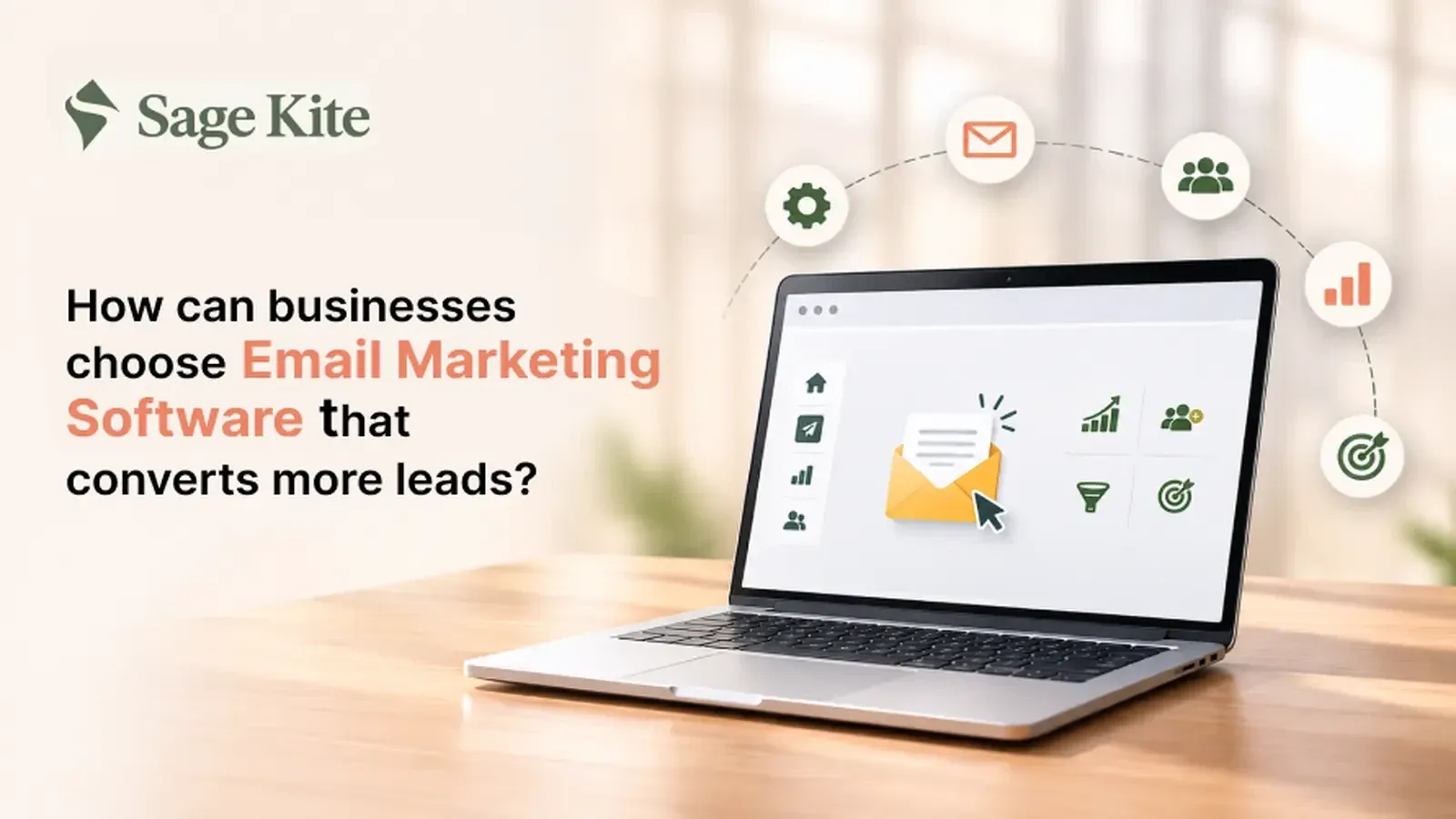
Businesses should choose email marketing software by aligning its tools with their lead journey. That means checking how contacts join the list, how they are sorted, how follow-up emails are sent, and how results are tied to sales. The software that converts the most leads has strong sign-up forms, list segmentation, automated follow-ups, reliable inbox delivery, CRM connections, and clear reports, all at a price that fits the size of your list.
Many teams choose a tool because it is popular or inexpensive, only to learn later that it cannot deliver the right message to the right person at the right time. This guide explains, step by step, how to compare options and select a tool that turns subscribers into paying customers.
Key Takeaways
- Map your lead journey before you look at any product.
- Check lead capture, segmentation, automation, and delivery first, since these four decide most of your results.
- Confirm the tool connects to your CRM, website, and payment system.
- Test the software with a trial using your real data.
- Compare the full yearly cost, not only the starting price.
What Does “Converts More Leads” Mean for Email Marketing Software?
A lead is someone who has shown interest in your business, typically by sharing an email address. Conversion occurs when that person takes the next step, such as booking a call, requesting a quote, or making a purchase.
Email marketing software supports conversion in five ways:
- It collects contact details through forms and landing pages.
- It sorts contacts by interest, source, and behavior.
- It sends timely messages without manual work.
- It lands those messages in the inbox instead of the spam folder.
- It shows which emails lead to sales.
If a tool is weak in any of these five areas, leads slip away. A strong design editor will not help if your emails never reach the inbox, and a low price will not help if you cannot send follow-ups based on a contact's clicks.
Step 1: Map Your Lead Journey Before Comparing Email Marketing Tools for Businesses
Before opening any product page, write down how a stranger becomes a customer in your business. Keep it simple.
A software company may follow this path: a visitor downloads a guide, receives a three-email series, books a demo, and receives a proposal. A local gym may follow another path: a visitor claims a free trial pass, receives a reminder, visits the gym, and receives an offer to join.
Answer these questions:
- Where do most of your leads come from today (website, ads, events, social media)?
- How long does a lead usually take to buy?
- How many follow-up messages does your sales cycle need?
- Who handles the lead after the email stage, and in which system?
- How many contacts do you have now, and how many in twelve months?
These answers become your checklist. A business with a short buying cycle needs fast, simple automation. A business with a long cycle, such as real estate or B2B services, needs deeper nurturing sequences and lead scoring.
Step 2: Check Lead Capture Tools for Lead Generation Email Campaigns
Your list grows only if people can join it easily. Look at what the software offers for collecting contacts.
Sign-up forms. Check for embedded forms, pop-ups, slide-ins, and sticky bars. The form builder should let you include only the fields you need. Every extra field reduces the number of people who complete the form.
Landing pages. Some tools include a landing page builder. This can save money if you do not already pay for one. Check that pages load quickly on mobile devices, since many visitors arrive from mobile devices.
Double opt-in and consent. If you collect contacts from regions with privacy rules, such as the EU, the UK, or India, the tool should record consent and make it easy to demonstrate later. It should also include an unsubscribe link in every message.
Source tracking. The software should record where each contact came from. Without this, you cannot determine which channel brings the best leads.
Import options. Confirm you can import contacts from spreadsheets, forms, and other apps without losing fields such as phone number or company name.
Step 3: Look Closely at Segmentation
Segmentation means splitting your list into groups so each group receives a message that fits it. This is one of the biggest factors in conversion because a buyer who is ready for a quote does not need the same email as someone who just signed up.
Good software lets you group contacts by:
- Sign-up source or form used
- Pages visited or products viewed
- Emails opened or links clicked
- Location, industry, or job title
- Purchase history or deal stage
- Tags you add yourself
Check how many conditions you can combine. For example, can you send a message only to contacts in Chandigarh who clicked a pricing link in the last seven days but have not booked a call? If the tool cannot answer a question like that, it will limit your growth.
Also check whether groups update automatically. A contact who buys should be removed from the “prospect” group automatically. Manual updates waste time and cause mistakes, such as sending a sales email to someone who already paid.
Step 4: Test the Builder in Your Email Marketing Automation Software
Email marketing automation software sends emails based on triggers, so every lead receives follow-up without someone pressing a button. For lead conversion, this is usually where the largest gains come from, since fast replies matter. A lead who receives automated email follow-ups within minutes is far more likely to respond than one who waits two days.
Look for these automation features:
- Welcome series: A set of emails sent after sign-up.
- Trigger-based sends: Emails sent after a click, a form fill, a download, or a missed cart.
- Wait steps and conditions: Rules such as “wait two days, then send email two only if email one was not opened.”
- Lead scoring: Points given for actions, so your sales team can spot hot leads.
- Exit rules: A way to remove contacts from a sequence when they buy or reply.
- Visual workflow view: A map of the sequence that anyone on your team can read.
A good way to judge a builder is to create a real sequence during the free trial. If it takes you more than an hour to build a five-email welcome series, the tool may be too complex for your team.
Step 5: Check Email Deliverability
Deliverability is the percentage of your emails that reach the inbox. If your messages land in spam, your lead-generation email campaigns will fail, no matter how good the other features are.
Ask each vendor these questions:
- Does the tool support SPF, DKIM, and DMARC setup for your own domain?
- Can you send from your business domain instead of a shared one?
- Does it clean bounced and inactive addresses automatically?
- Does it offer a dedicated IP address for larger senders?
- Does it show spam complaint rates and bounce rates in reports?
- Does it offer inbox placement testing or spam score checks?
Read independent user reviews on deliverability, since vendors rarely disclose their own weaknesses. If possible, send a test campaign to Gmail, Outlook, and Yahoo addresses during your trial and see where each one lands.
Step 6: Confirm Integrations with Your Other Tools
Email marketing software rarely works in isolation. Leads come from your website, ads, or CRM, and sales results are recorded elsewhere. A weak connection between these systems undermines your lead tracking.
Check for direct connections with:
- Your CRM (HubSpot, Zoho, Salesforce, Pipedrive, or your own custom CRM)
- Your website platform (WordPress, Shopify, Wix, or custom code)
- Your payment system or store
- Your ad accounts, such as Google Ads and Meta
- Your webinar, booking, or form tools
- Zapier or an open API, for anything not on the list
Two-way sync is the key feature to look for. When a lead replies or makes a purchase in your CRM, the email tool should know about it and stop sending automated email follow-ups intended for prospects. When a lead clicks a link in an email, your CRM should record the click so sales staff can follow up at the right moment.
Step 7: Review Reporting in Your Email Campaign Management Software
Open rates alone do not tell you whether your emails produce customers. Apple Mail Privacy Protection and similar features can inflate open rates, so treat them as a rough signal.
Better numbers to look for:
- Click-through rate by link
- Conversion rate per email and per sequence
- Revenue or deals created from each campaign
- Unsubscribe and spam complaint rates
- Growth of your list over time
- A/B test results for subject lines, send times, and content
The best tools let you build reports by segment and by source. This shows you which groups convert and which only open emails. If a tool cannot connect results to deals or sales, you will need a spreadsheet to fill the gap, and that takes time every month.
Step 8: Compare Price, Support, and Ease of Use
Pricing for email marketing software usually depends on list size or monthly sends. Costs can rise quickly as your list grows, so check the price at your expected size in one year, not just today.
Watch for these details:
- Whether automation is included in the lower plans or locked to higher ones
- Whether the plan counts unsubscribed contacts in your total
- Fees for extra users, dedicated IPs, or extra landing pages
- Contract length and the cost of leaving
- Currency and tax rules, which matter for businesses in India and other regions
Support matters too. Check if the vendor behind each of the email marketing tools for businesses on your shortlist offers live chat, email help, or phone support, and in which hours. Test it during your trial by asking a real question and noting how long the reply takes.
Ease of use matters because the best features are useless if no one on your team uses them. Ask the people who will build the emails to try the editor and rate it.
Quick Comparison: What to Prioritize When Reviewing the Best Email Marketing Platforms
| Business type | Top priorities | Common mistake |
|---|---|---|
| Small local business | Simple forms, templates, low cost | Paying for features never used |
| Online store | Store connection, cart emails, product groups | Ignoring post-purchase emails |
| B2B or service firm | CRM sync, lead scoring, long sequences | Sending the same email to every lead |
| Agency or consultant | Multiple accounts, white-label reports | Weak client permissions |
| Course or education business | Tagging, drip sequences, payment connection | Skipping reminders before deadlines |
How to Run a Fair Trial Before You Buy Email Marketing Software
Reading feature lists will only take you so far. Use a free trial or a short paid month to test the tool on real work.
- Pick two or three of the best email marketing platforms that fit your checklist.
- Import a small sample of real contacts.
- Build one sign-up form and place it on a test page.
- Create a welcome series with at least three emails.
- Connect your CRM or website.
- Send test emails to different inbox providers.
- Run a basic report and see if it answers your main questions.
- Ask support one real question.
Score each tool from one to five across lead capture, segmentation, automation, delivery, connections, reporting, price, and support. The tool with the highest total, weighted by what matters most to you, is usually the right choice.
Common Mistakes When Choosing Email Marketing Software
Buying for features you will not use. A long feature list looks impressive, but a smaller tool that your team uses daily will beat a large one that sits idle.
Ignoring migration effort. Moving lists, templates, and automations from one email campaign management software to another is slow. Pick the first time carefully.
Skipping legal checks. Consent, unsubscribe handling, and data storage rules differ by country. Confirm the vendor supports the rules that apply to your audience.
Choosing on price alone. A cheap plan with poor delivery costs more in lost leads than a higher plan that reaches the inbox.
Not setting a goal. Decide on a target, such as raising demo bookings by 20 percent in six months, and judge the tool by that number.
Choose the Right Email Marketing Software With Sage Kite
Choosing email marketing software that fits your business requires more than comparing subscription prices. From lead capture and audience segmentation to automated campaigns and performance tracking, the right setup can make a difference in how your business converts enquiries into customers. Sage Kite helps businesses with CRM implementation, marketing consultancy, and automation planning to improve how they manage customer communication. If you need help selecting or setting up the right platform for your business goals, speak with Sage Kite and discuss your requirements with the team.
Frequently asked questions
What is the most important feature for lead conversion?
Automation tied to segmentation matters most. It lets you send the right follow-up to each lead at the right time without manual work. Good delivery follows closely, since unseen emails cannot convert.
How much should a business spend on this kind of software?
Small businesses often start at $10 to $50 per month for lists with a few thousand contacts. Growing firms with larger lists, advanced automation, and CRM sync may spend several hundred dollars. Base your budget on the value of one new customer, not list size alone.
Is free software good enough for lead generation?
Free plans work for early testing or very small lists. They often limit automation, sending volume, and support, so most businesses outgrow them quickly. Use a free plan to test, then upgrade when you need sequences and reports.
Should I pick all-in-one software or a dedicated email tool?
All-in-one platforms combine email, CRM, landing pages, and sometimes ads, reducing the number of tools to manage. Dedicated email tools often offer more advanced email features and better delivery. Choose an all-in-one if your team is small, and a dedicated tool if you already run a strong CRM.
How long does it take to see better lead conversion after switching tools?
Most businesses see the first changes within four to eight weeks, once new forms, segments, and automations are live. Full results take a few months because sales cycles and list growth take time.
Can these tools work with a custom CRM?
Yes, if the software has an open API or supports Zapier-style connectors. Ask the vendor for API documentation and test the connection during your trial before committing.